Pixel-perfect tools
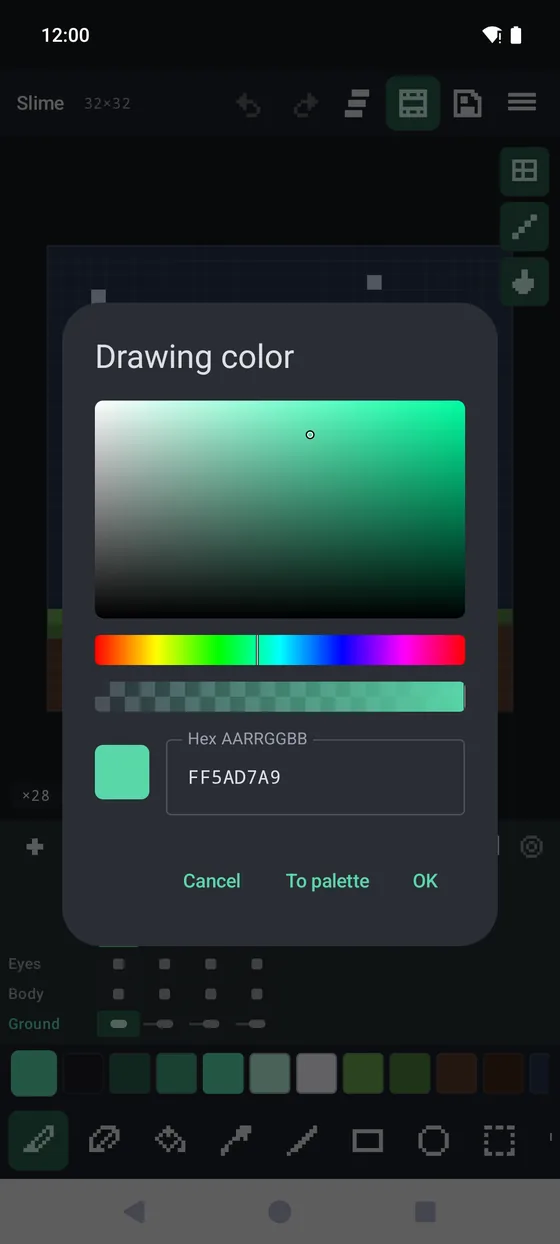
Pencil and eraser with pixel-perfect strokes, square or round brush, fill, eyedropper, line, rectangle and ellipse. Stylus pressure drives size and opacity; a secondary color sits on the stylus button or right click.

Phone & tablet · Android 10+
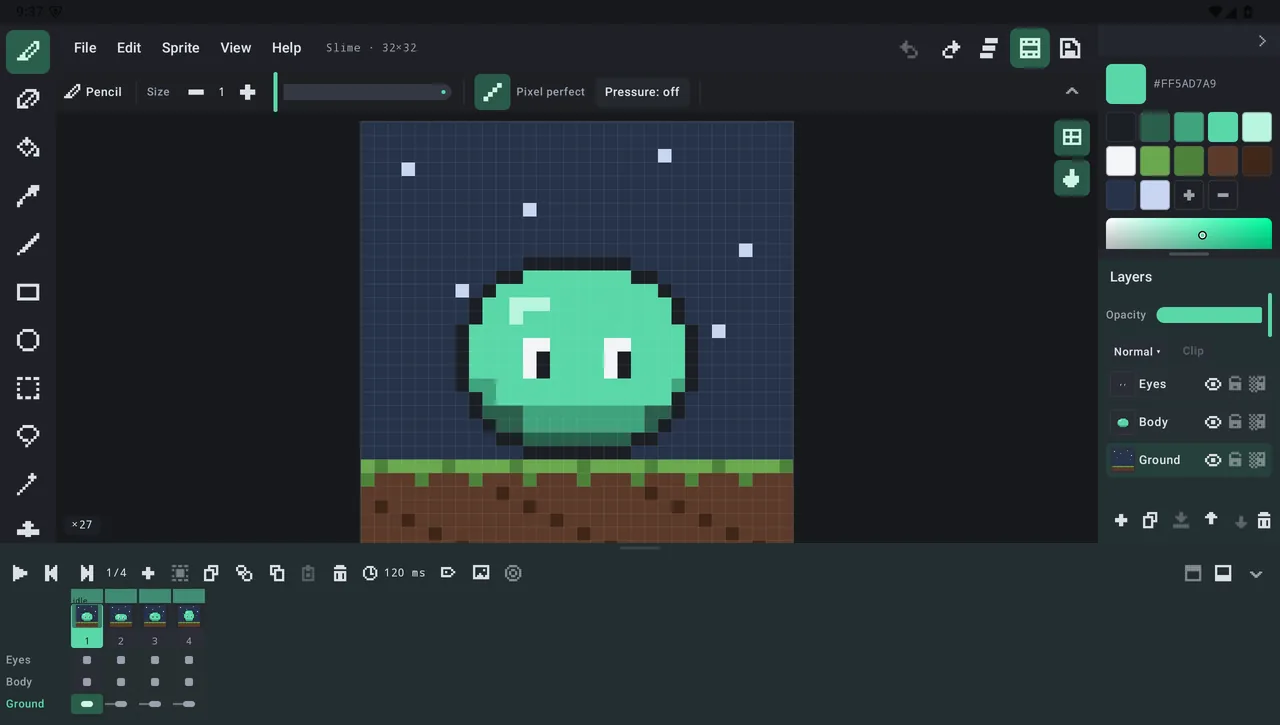
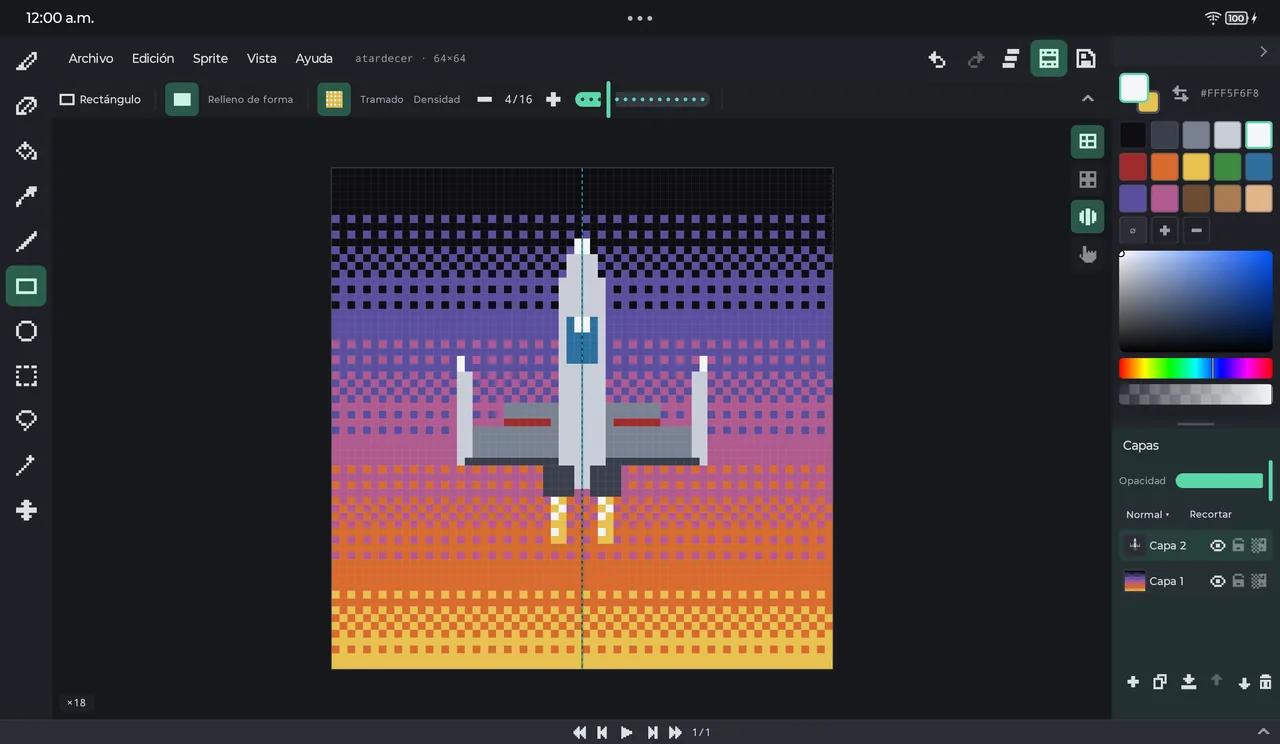
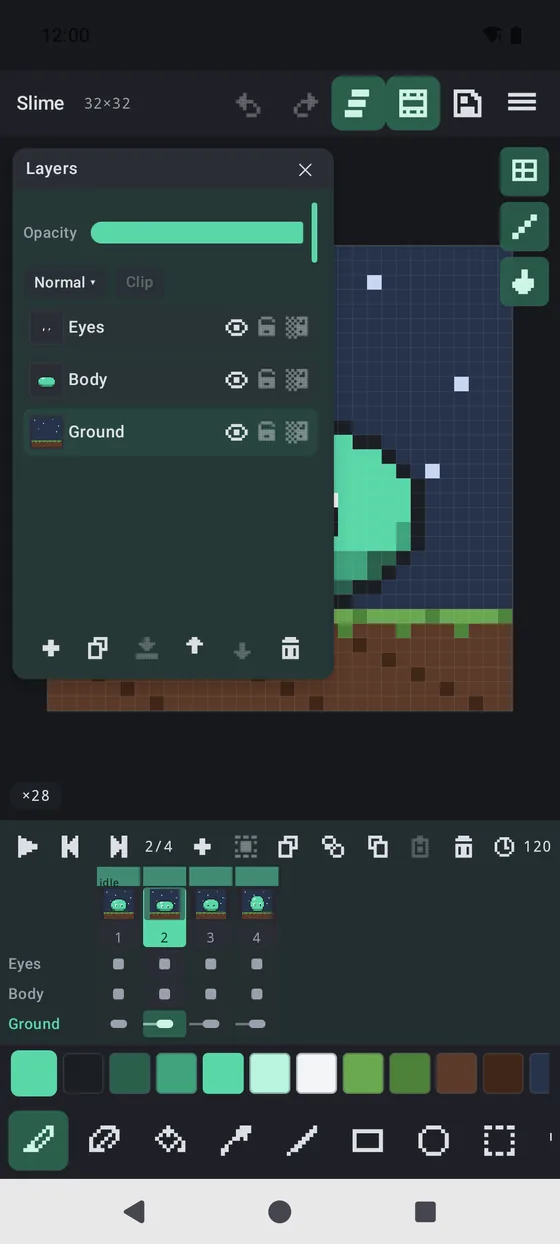
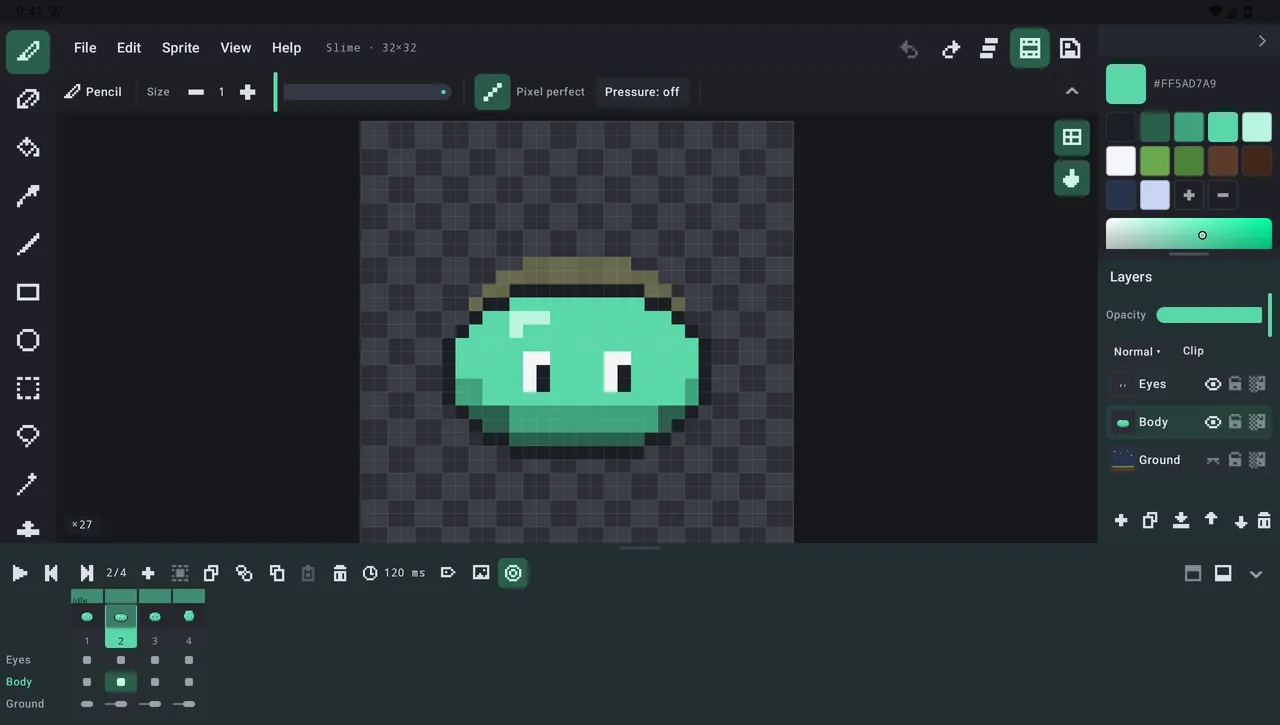
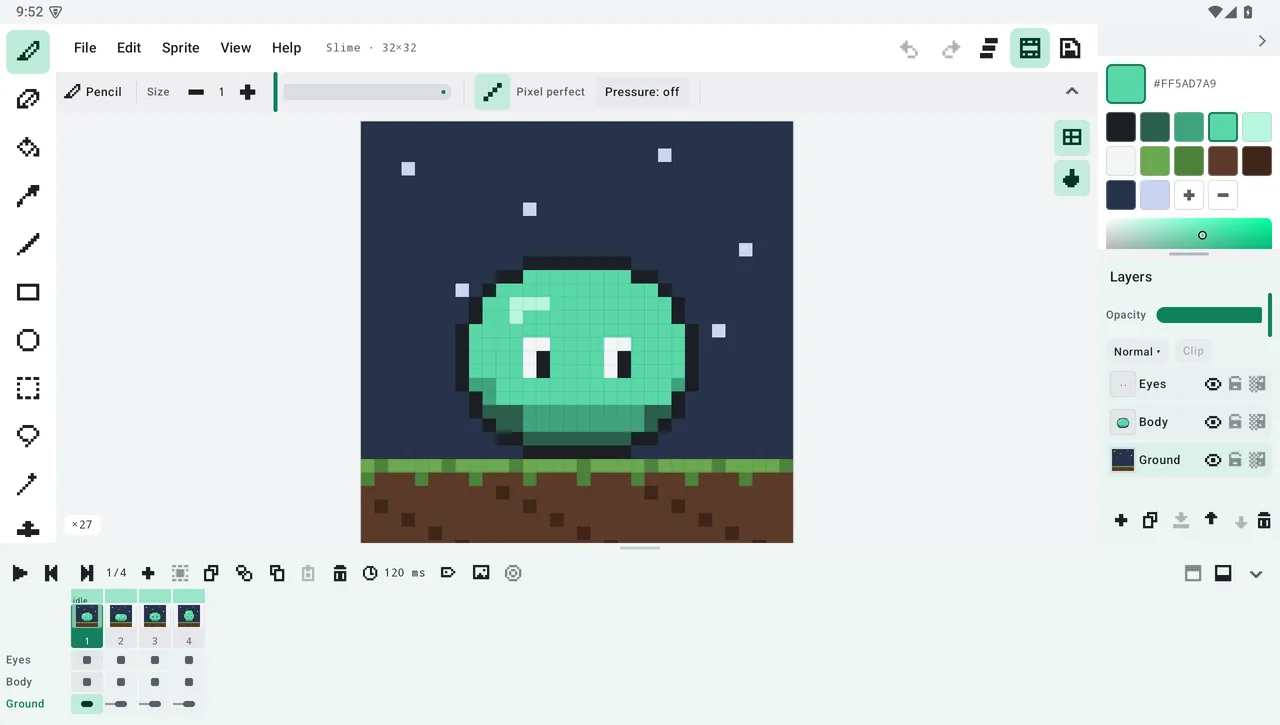
Draw, animate and export sprites with the workflow of a desktop editor. On a phone it packs into compact rails; on a tablet it becomes a full desktop workspace with menu bar, timeline and palette panel.
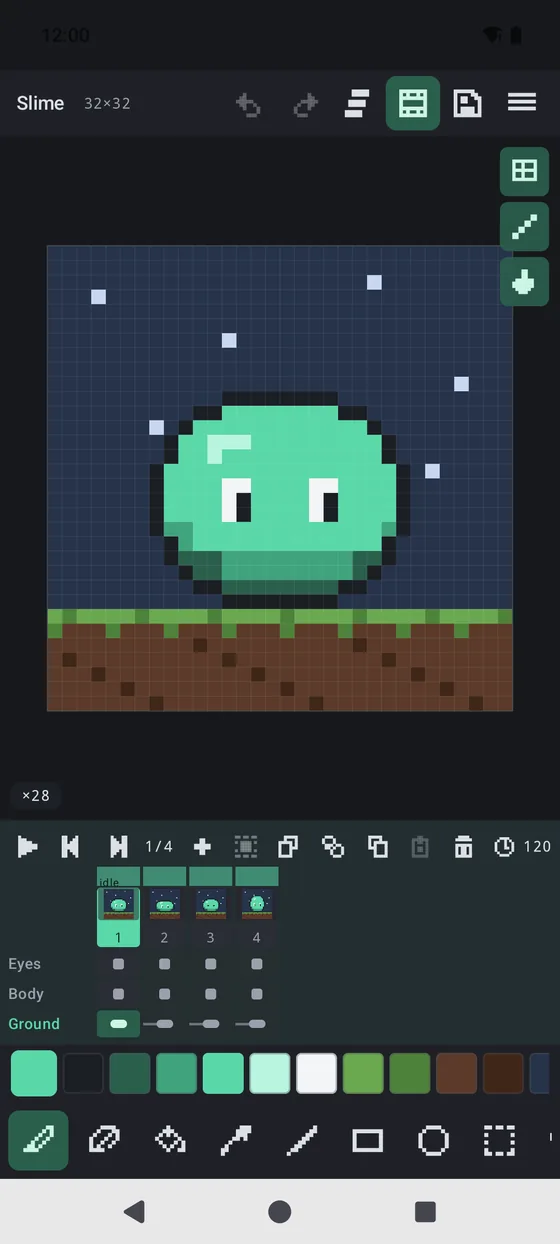
Pencil and eraser with pixel-perfect strokes, square or round brush, fill, eyedropper, line, rectangle and ellipse. Stylus pressure drives size and opacity; a secondary color sits on the stylus button or right click.
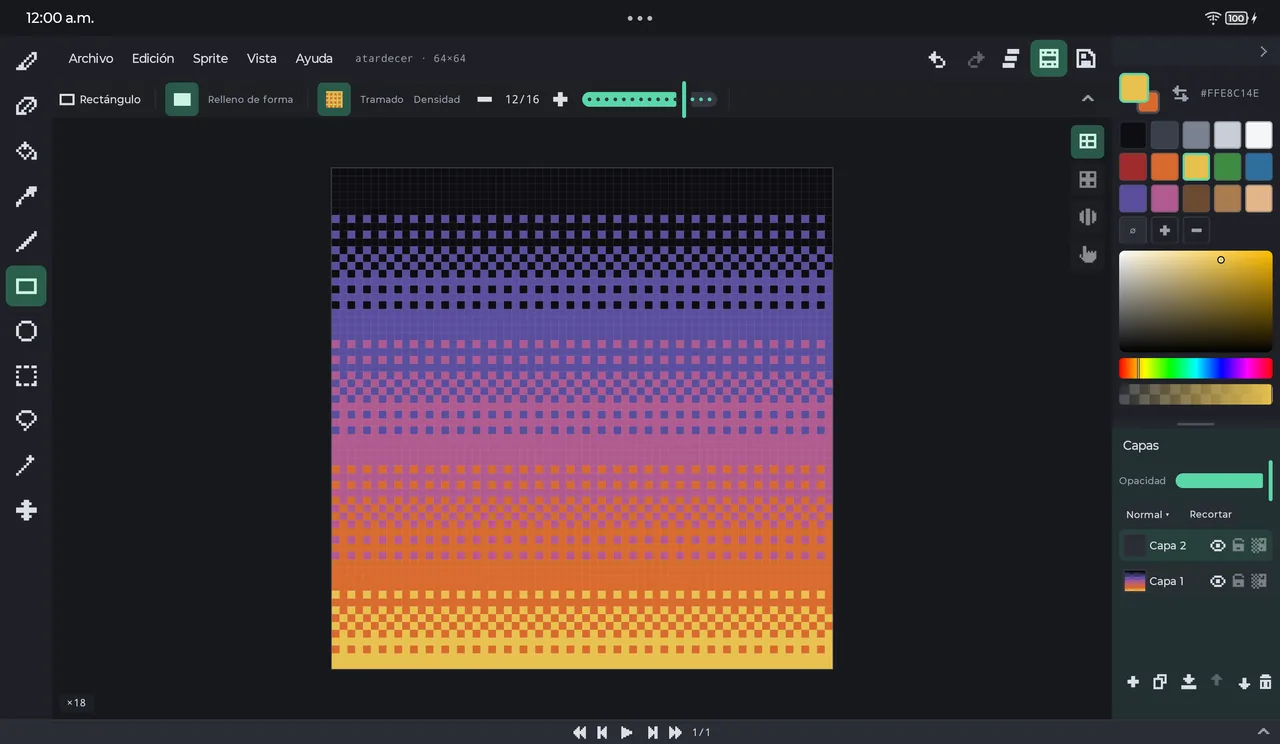
Bayer 4×4 dithering with 15 densities in pencil, shapes and fill, and live symmetry — vertical, horizontal or both, even mirroring inside each tile. A tile grid helps you build tilesets.
Rectangle, lasso and magic wand build a true mask every tool respects. Move, flip, scale and rotate — 90°, free angle or RotSprite.
Unlimited layers with opacity, blend modes, clipping masks and alpha lock; groups, drag to reorder, and a panel that docks to any side or floats.
Frames with their own duration, tags with direction (forward, reverse, ping-pong), timeline playback, configurable onion skin, linked cels and multi-frame ranges.
Everything is undoable — layers, frames, palette, selection. History stores region diffs under a memory budget, so undo stays fast even on big sprites.
Chunked .rpx format with embedded thumbnail and session state, configurable autosave with crash recovery, recent projects with previews.
Export PNG, animated GIF, APNG, spritesheet, PNG sequence and .aseprite at ×1–16; import them right back. GIMP .gpl and Lospec .hex palettes.
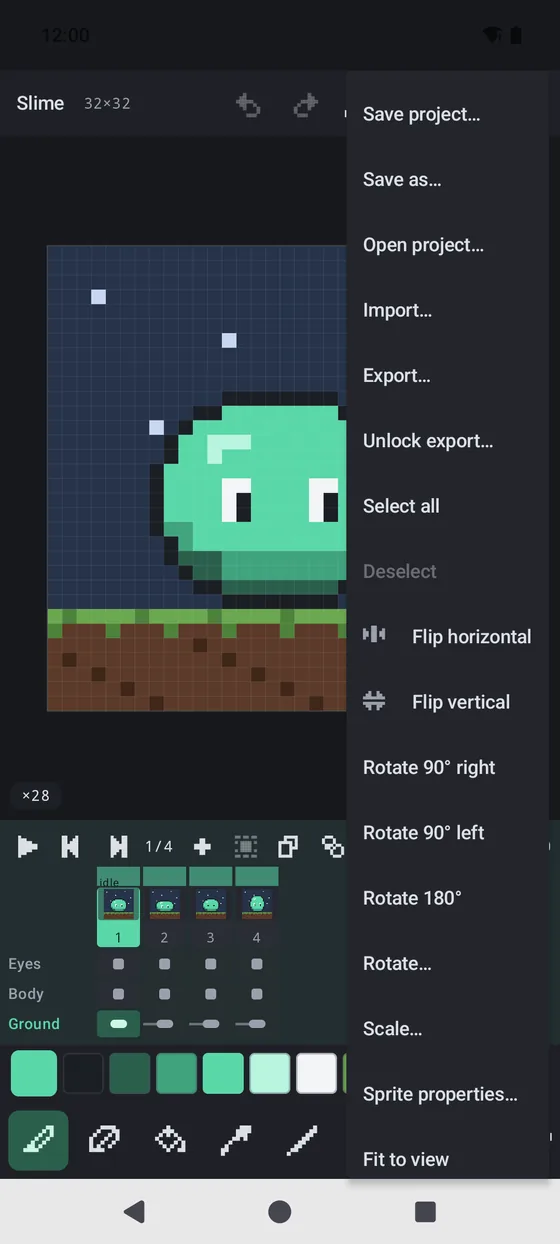
Desktop workspace on tablets, compact rails on phones. Mouse and stylus with palm rejection, configurable shortcuts and gestures, TalkBack semantics, dark or light theme, seven UI languages and an in-app manual.
Drawing, layers, animation, projects and palettes are free forever — offline, no account, no ads, no tracking. One single purchase unlocks image import and export.
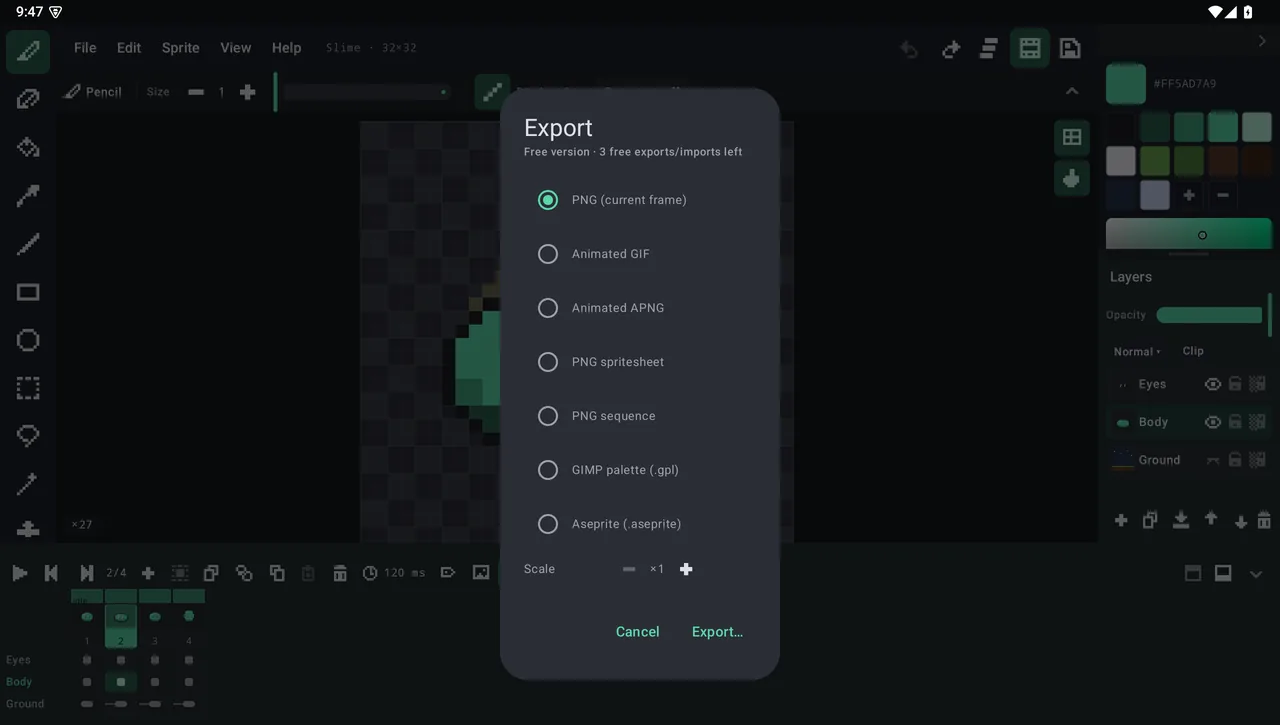
Yes. Drawing, layers, animation, .rpx projects and palettes are free forever, with no ads and no subscription. Exporting and importing images can be tried 3 times for free; a single one-time purchase, RetroPixel Pro, unlocks them permanently on your Google account.
It works fully offline and needs no account. There is no analytics, no tracking and no ads, and your files stay on your device.
Yes. RetroPixel imports and exports .aseprite files: RGBA, indexed and grayscale, layers, groups, blend modes, tags and linked cels. Tilemap layers are imported empty.
PNG, animated GIF, APNG, spritesheet, PNG sequence and .aseprite, scaled from ×1 to ×16 and optionally limited to one animation tag.
Android 10 or later, on phones and tablets. On tablets it becomes a desktop-style workspace with stylus pressure, mouse support and keyboard shortcuts; phones also work in landscape.
A professional pixel art editor that happens to run on Android.
Coming soon on Google Play